
Windows
How to Install PHP On IIS Windows VPS Server?
PHP can run on a Windows VPS server using IIS; this allows you to host PHP-based websites and applications without installing any…
PHP can run on a Windows VPS server using IIS; this allows you to host PHP-based websites and applications without installing any…
Internet Information Services (IIS) is Microsoft’s web server software for hosting websites, web applications, and APIs on Windows Server. There are two…
Dropbox, as a cloud storage application, can help you keep your files synchronized across multiple devices. You can install Dropbox on an…
Remote Desktop Services (RDS) is a built-in Windows Server role that allows users to access a Windows desktop or applications remotely through…
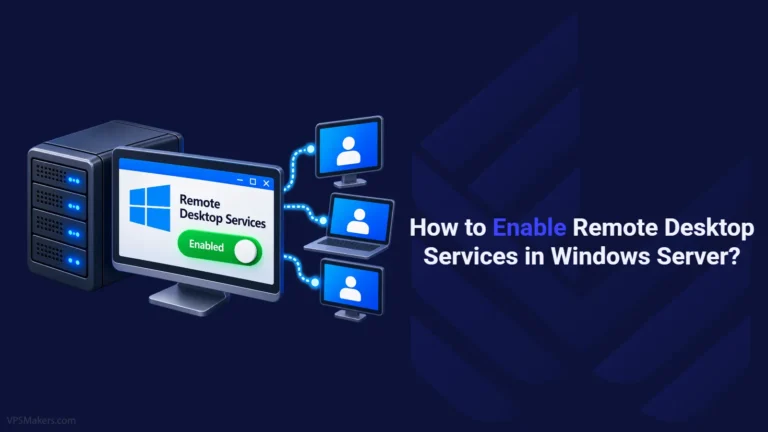
To connect to a Windows Server or another Windows device remotely, Remote Desktop must be enabled on the target machine. Whether you’re…
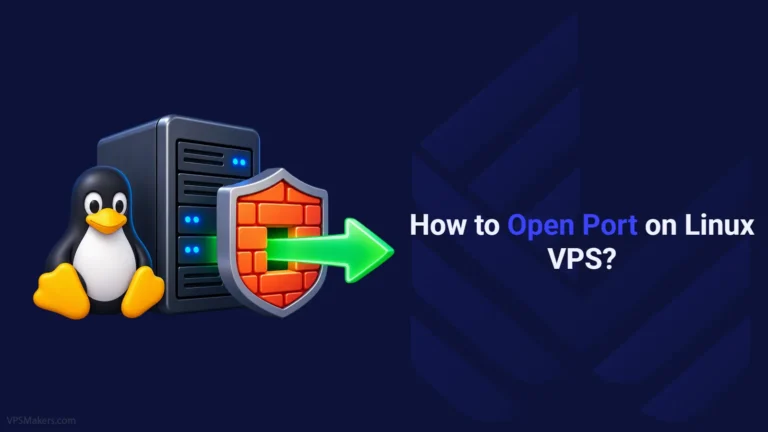
Opening a port on a Linux VPS allows external devices and services to establish connections to applications running on your server. The…
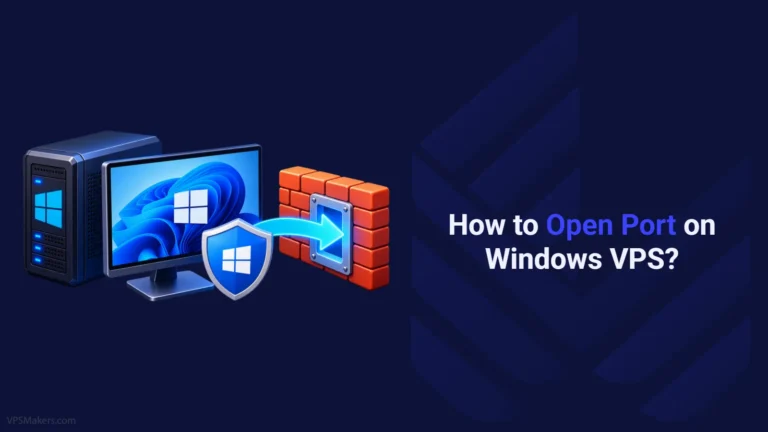
Open a port in Windows VPS can be done for various reasons, including hosting online games, sharing a specific program, accessing some…
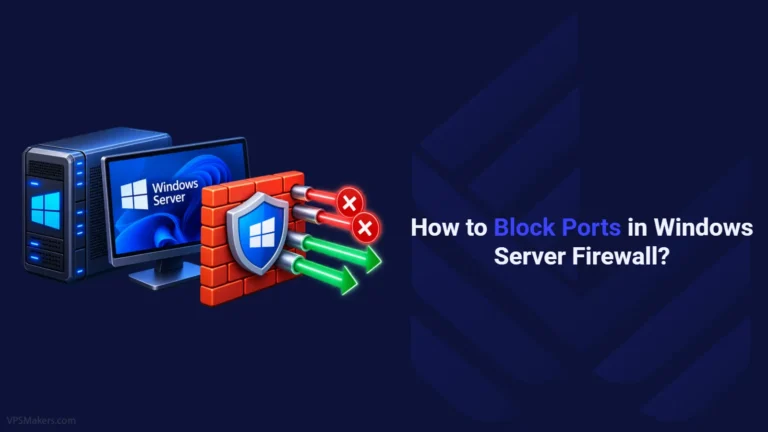
In order to keep out harmful programs and block unwanted ports, you can employ Windows firewalls. This handy Windows tool, accessible from…
When working with Windows, multiple applications or services may attempt to use the same network port. However, a specific IP address and…
A VPS can become slow or unresponsive when its resources are insufficient, misconfigured, or under heavy load. Checking your VPS performance helps…
You may be in a situation where you do not have access to a computer or laptop and you need to connect…






We've launched our new BlueStacks VPS plans!
Get a Windows VPS with BlueStacks 4 or 5 pre-installed and configured, including dedicated CPU, RAM, and storage resources, a dedicated IPv4 address, and full Windows Administrator access.