

A game server is a physical or virtual machine that hosts and manages multiple game sessions. This helps to users connect to the server and play online with other players.
The required hardware depends on the game and how many players it supports. A game with many players may need more CPU, RAM, and network power to manage connections and game actions. Storage needs depend on the game size and the files, logs, and data stored on the server.
In game servers, the server acts as a central authority that processes game data and logic, and all the calculations and processing happen on the server, ensuring that everyone experiences a stable connection and sees the same events at the same time in the game.
When a player connects to an online game, their device, as a client, sends and receives data from the game server. The server is responsible for handling all player movement, world generation, scoring, game physics, matchmaking, etc.
This centralized management helps to reduce inconsistencies, prevent cheating, and create a smoother gameplay experience.
How Does a Game Server Work?
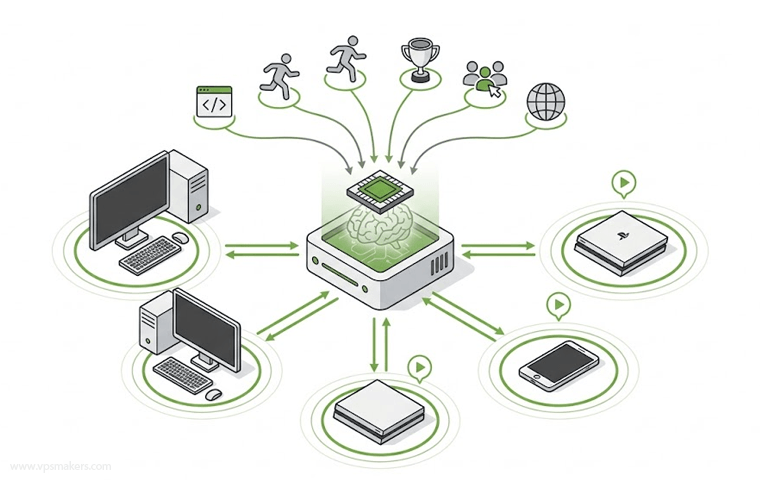
When a player presses a key on the keyboard, the game client receives the input and sends it to the game server, usually through the game’s network and backend infrastructure.
The game server uses the server’s hardware resources to process players’ actions and determine their results.
It then sends back the updated game stats to connected players, including information such as damage, player position, events, and other gameplay data that the client uses to update the game HUD and world.
Online Game Clients
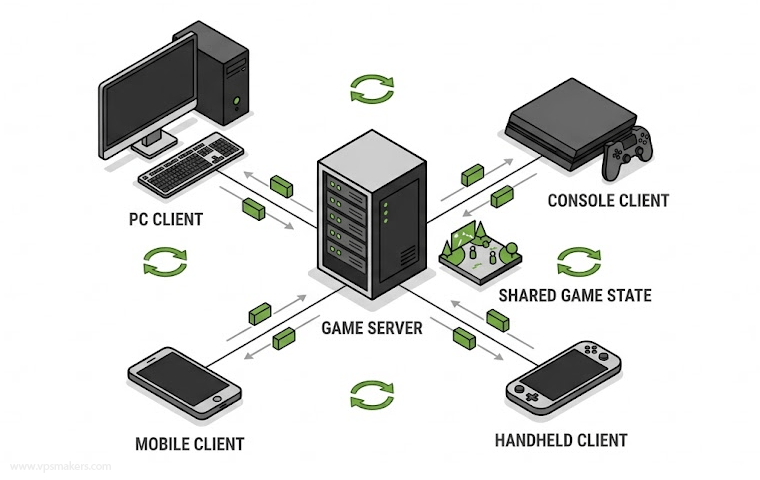
A game client is the device you use to connect to a game server, such as a phone, PC, or console. These devices render the game and send player inputs to the game server. Platforms and game launchers such as Steam can also manage users’ game libraries, updates, and other game-related services.
Player actions, such as movement, mouse interactions, controller inputs, character emotes, and in-game chat messages, are sent through the game client to the appropriate game servers or backend services.
Game Server Functions
Game servers are at the center of many online games, although some game functions may be handled by separate backend services. The game server processes and calculates player inputs, including movement, damage, collisions, and physics.
Players’ state, rules, positions, and scores are trusted on that game server, so cheating becomes impossible in online games, and the state of players is safe in a secure database.
The game server gathers players into a shared match, manages network traffic via IP addresses and ports, and pairs users with their regional info, levels, and rankings.
Social interactions like in-game chat, voice chats, friends lists, clans, and emotes of game characters are also being processed on game servers.
Online Game Backend Service
Modern online games often use separate backend services for functions such as authentication, user accounts, inventories, matchmaking, databases, and session management.
Keeping these services separate from the game server allows each component to handle a specific task independently. This architecture allows online games to scale more easily and helps developers manage different parts of the game infrastructure independently.
Game Server Types
There are many types of game server infrastructures depending on how they are used, how the players connect, and how the game world is managed.
Dedicated Game Servers
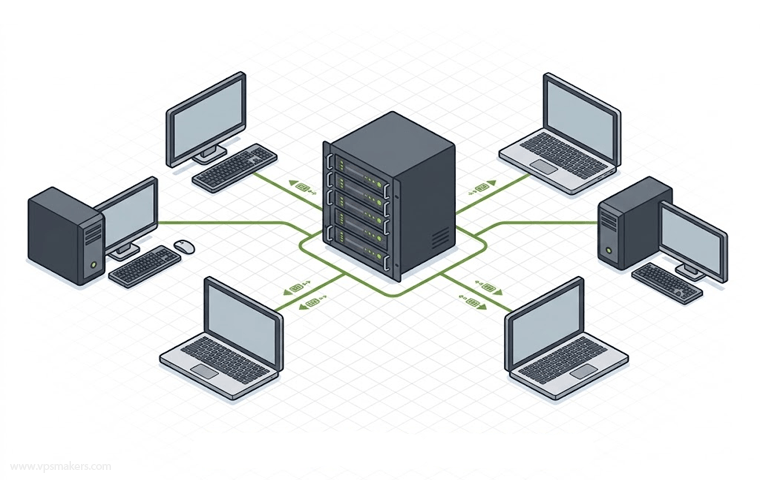
Dedicated game servers run on dedicated physical servers that are reserved for hosting games. They provide high performance, stability, and control because the server’s hardware resources are not shared with other users.
These servers are commonly used for large-scale game servers that are publicly available over the internet.
In physical dedicated game servers, the server handles the game logic and uses its allocated hardware resources. As the number of players increases and the server becomes busier, maintenance can become more difficult and costly.
Listen Game Servers
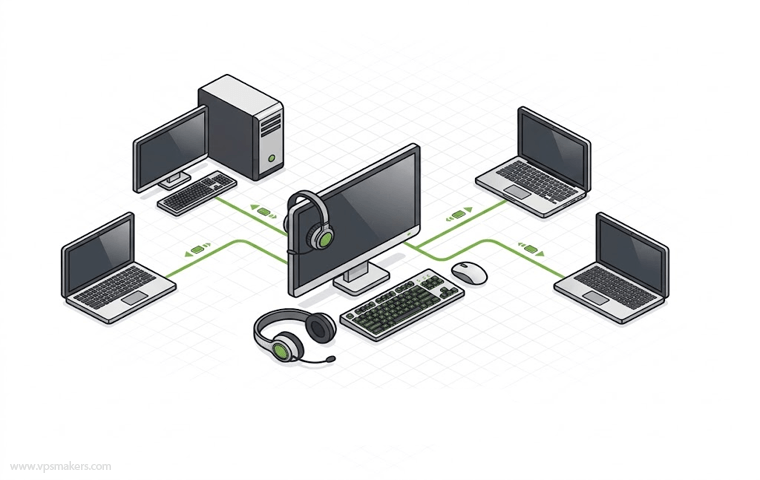
In this setup, one player hosts the game on their own computer while also playing it. The server can operate on a LAN network or over the Internet, depending on the game and network configuration.
Listen servers are easy to set up because they don’t need any dedicated hardware for running the server.
But can lead to performance and connectivity problems and unfair advantages to the player who is hosting because the public IP of the player can be accessed from the Internet.
Cloud or VPS Game Server
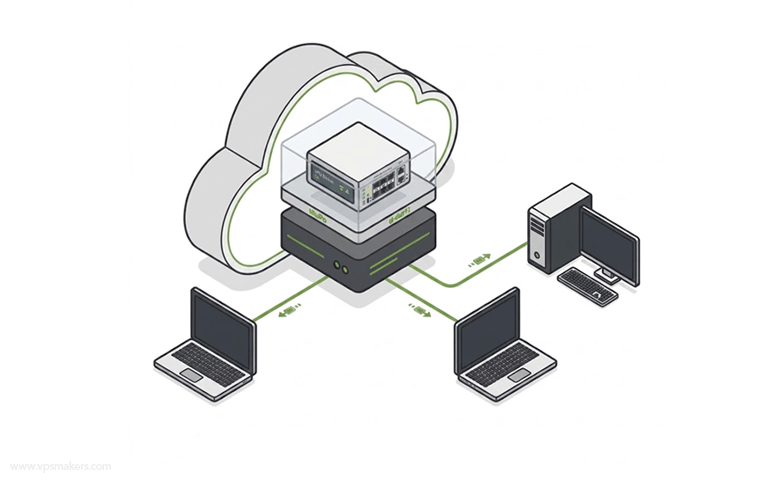
Cloud and VPS game servers run on virtual machines hosted in data centers. They require dedicated resources and hardware to run without requiring the user to manage hardware resources. They only need to manage the software part and deploy the game server either on a Linux VPS or Windows VPS.
These servers offer flexibility, scalability, and remote access, making them a popular choice for hosting multiple game servers on one server. Users can typically choose the required CPU, RAM, storage, and network resources and manage the server remotely.
Cloud and VPS game servers can also provide better availability than a listen server and can provide performance like dedicated servers.
The table below compares game server types and highlights their main differences:
| Features | Dedicated Server | Listen Server | VPS / Cloud Server |
| Performance | Excellent | Depends on host PC | Very Good |
| Cost | High | Low | Moderate |
| Setup | More Complex | Very Easy | Easy to Moderate |
| Scalability | Excellent | Limited | Good |
| Control | Full | Limited | High |
| Best For | Large Servers | Small Groups or Dues | Private & Public Servers |
Public and Private Game Servers
In public game servers, anyone can join the server and play along with the other players. It’s best for large communities, matchmaking, and meeting new players.
Public game servers are usually run by developers with high player caps, so control over the server rules depends only on the game developers, and it can lead to lag during peak traffic.
These servers often run on a dedicated server or a high-end VPS server and need constant maintenance.
Private game servers are restricted via passwords or invite-only friends. These servers are fully customizable so hosts can modify the gameplay rules, adjust difficulty, install mods, and ban disruptive players.
Hosting options for private game servers can be self-hosted or rented from managed providers so you can have an online private game server.
Cross Platform VS Multi Platform Games
Game servers can support games that work on one platform or many, based on how the game is made and what platforms it supports.
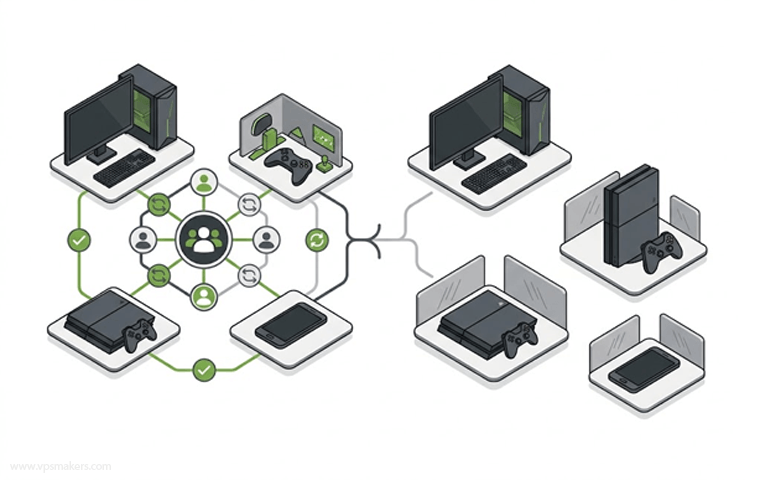
A multi-platform game is available on different devices, like PCs, phones, and game consoles. But players on different devices might not be able to play together. For example, a game might have different servers for PCs, phones, and consoles.
A cross-platform game lets players on different devices play together in the same game. For instance, PC and console players can join the same game server.
So, a game can be multi-platform but not cross-platform, while a cross-platform game is usually also multi-platform.
Why Choosing Game Server OS Matters
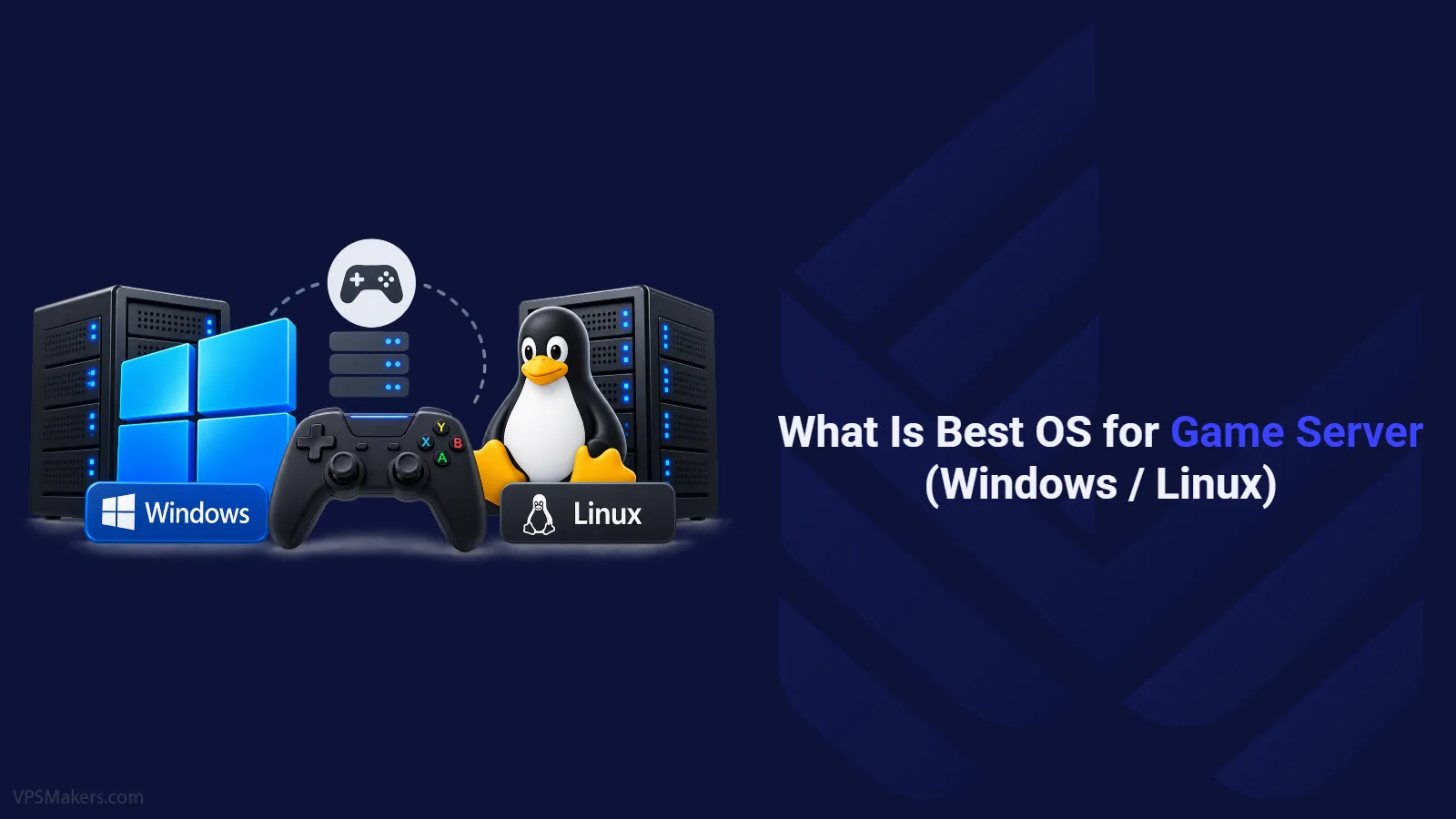
The operating system can affect a game server’s performance, stability, and security because Windows and Linux use different approaches to resource management.
You can use either Windows or a Linux server distribution, such as Ubuntu Server, which is a popular choice for Linux-based game servers.
Windows and Linux each have different strengths, so choosing the right operating system depends on several factors, including the game you want to host, server performance, security, compatibility, and ease of management.
By considering these factors, you can choose which operating system best suits your game server requirements. For more detailed information and comparison, you can follow this article:
Game Server Hardware Requirements
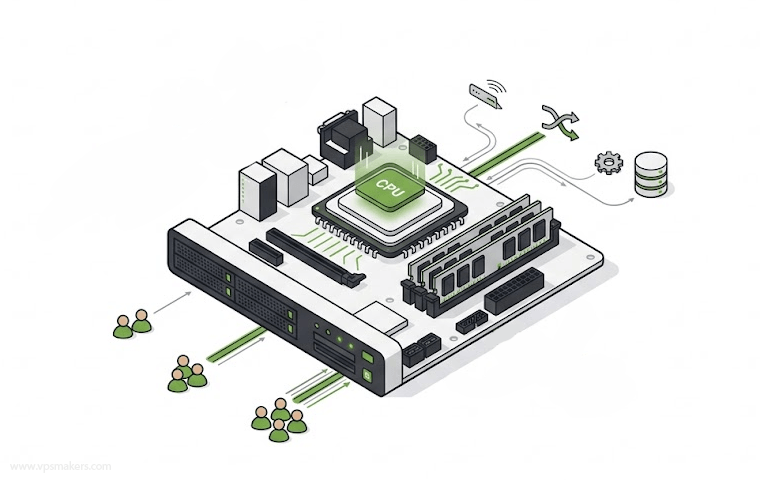
Game servers mostly rely on a fast single-core CPU and more RAM rather than strong graphics. The hardware requirements depend on the usage and number of players who connect to the server.
CPU must have high clock speeds (3.5 GHz or higher), and the CPU must be single-core because game logic and loops run on one main core.
A CPU that works well with single tasks and has high speeds is very important. Many tasks like game rules and physics use the main thread a lot. More CPU cores can help with networking, background tasks, plugins, databases, and other server jobs.
RAM needs also depend on the game and the number of players. A server with more players, bigger maps, more items, or extra plugins will need more memory.
How to Host a Game Server
To set up a game server, you first need to buy a VPS and install the required game server software provided by a game development company. Or instead, you can use ready-to-use game panels and game hosting services.
A game panel provides a graphical web interface that allows you to install, monitor, and manage popular game servers on a VPS directly from your browser, without requiring you to manage the server entirely through the command line.
You can either install a game panel on your own VPS or purchase a VPS with a pre-installed game panel from a game hosting provider.
Summary
A game server is a computer that runs game sessions and allows players to connect and play online together. It controls important aspects of the game, such as player movement, scoring, and matchmaking.
This way, all players see the same things at the same time. It helps avoid problems, stops cheating, and keeps player information safe.
Game server infrastructure can be hosted on a physical dedicated server, VPS, or cloud server, with each option offering different advantages and disadvantages.
The game server processes player actions and synchronizes them with other players. It then sends the updated game state back to each client.
Modern games also use separate services for tasks like logging in, managing accounts, handling inventory, matching players, and managing game sessions.