
Blog Mikrotik
How To Change Mikrotik VPS Password?
One of MikroTik’s security concerns is that MikroTik uses the admin user as the default user when logging in to MikroTik, which can make it an easy target for brute-force attacks. This makes changing the username and password in MikroTik an important task; whether you are using a MikroTik VPS or physical router, you should change the user and password if your router is accessible […]
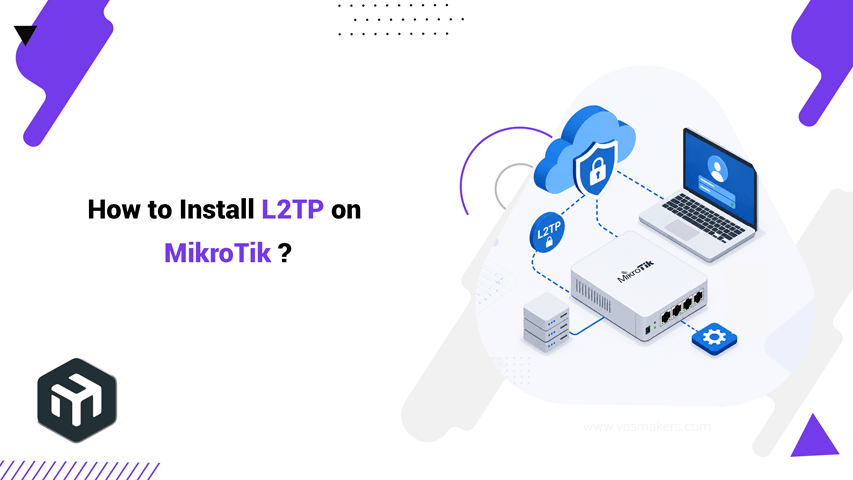
How to Setup L2TP VPN Server on MikroTik Router?
L2TP is a VPN protocol that MikroTik offers as a built-in option, and it is supported across various operating systems such as Windows, Linux, and Android. In this guide, you’ll learn how to set up an L2TP server with an IPsec encryption tunnel on your MikroTik RouterOS using Winbox. You can set up L2TP either on your physical MikroTik or on a MikroTik VPS, which […]
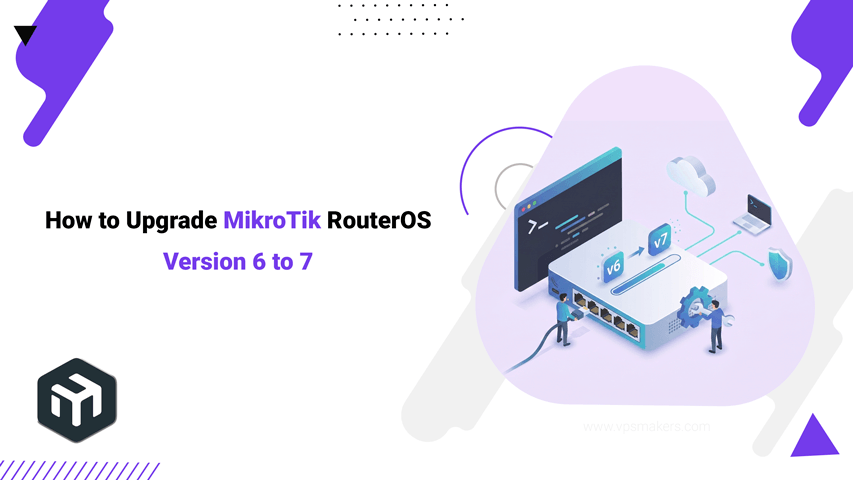
How to Upgrade MikroTik RouterOS 6 to 7?
To upgrade the MikroTik RouterOS from version 6 to 7, there are two methods: using the Winbox upgrade option or manuall upgrade with the RouterOS file and using CLI. Upgrading from router os version 6 to 7 is a major change, not a simple update. It modifies system configuration and files, which may affect existing configurations and disrupt your services. So before starting the upgrade, […]
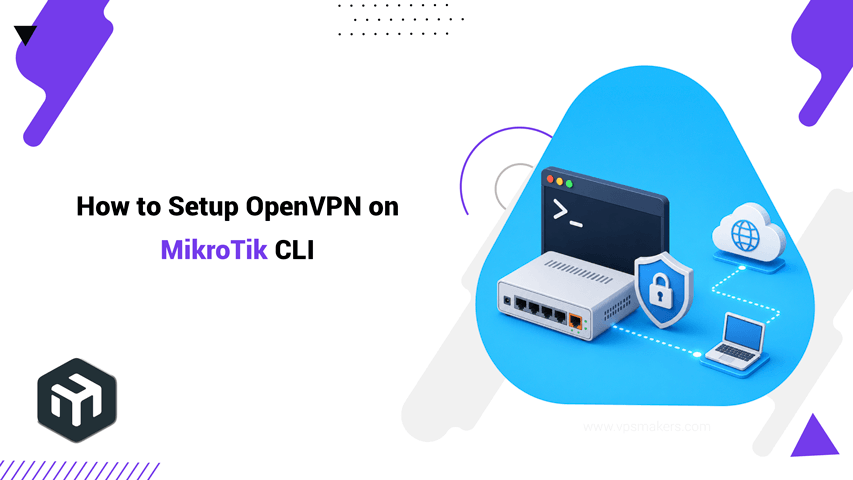
How to Setup OpenVPN on MikroTik CLI?
To set up OpenVPN as a strong tunneling protocol in MikroTik, you have many options. In this article, you will learn how you can set up and use OpenVPN on your MikroTik Router. If you want to use OpenVPN as a VPN service, it’s better to use a MikroTik VPS, which is much more secure than using a local router, and it provides a different […]
How to Configure OpenVPN on MikroTik?
OpenVPN is one of the VPN services MikroTik offers, used to create secure, encrypted connections between two sides over the internet. It is commonly used for remote access or linking networks through a protected tunnel. To configure OpenVPN on a MikroTik router, there are two methods: Winbox and the CLI (command-line). In this guide, you will learn how to set it up with the Winbox […]
How to configure RADIUS server in MikroTik router?
The RADIUS server in MikroTik is a built-in tool that authenticates user connections. In this article, we are create a RADIUS server on MikroTik virtual server and pair it with the user management package to create a user authentication system in MikroTik for managing PPPoE, Hotspot and Wireless. Set up a RADIUS server in MikroTik Router Before making any changes on your Mikrotik VPS, if you […]
How to install user manager package on MikroTik?
To install the user manager package on Mikrotik, you need to download the version that matches your router OS build and your device architecture from MikroTik’s official website. Choosing the correct package is important; installing an incompatible package can lead to errors, or the package may not be recognized by the device. User Manager is a RADIUS server implementation that provides centralized user authentication, authorization, […]
How to Downgrade Mikrotik Firmware Manually?
There are two ways to downgrade MikroTik RouterOS, one with Winbox and the other way is with the terminal (CLI). Downgrading MikroTik router OS is not something you usually do, and not recommended if your MikroTik is working correctly. So, when do we need to downgrade MikroTik OS? Typically, it’s when you update your MikroTik to a newer version, and you face some new bugs, […]
How to update MikroTik router OS firmware manually V7?
If you want to fix MikroTik OS bugs, improve security, and access new features, you need to keep your RouterOS up to date. Updating your MikroTik regularly is essential to ensure stability and optimal performance. If you want to update your MikroTik OS to the same version, the process is simple. Just follow this guide After updating, if your MikroTik doesn’t work properly, you can […]

How to Backup Mikrotik Configuration via Winbox?
Backing up your Mikrotik VPS is an important task to ensure the safety and security of your configuration and data. In case of system failure or data loss, having a backup can help you restore your VPS and recover important configuration files. In this guide, we will provide a step-by-step tutorial on how to back up a Mikrotik VPS using several different methods. Backup MikroTik […]
- 1
- 2