
Windows vs Linux VPS: Which Operating System Should You Choose?
Choosing between Windows and Linux is one of the first decisions you’ll make when you don’t know which VPS operating system to start with. Both operating systems offer a reliable environment for hosting applications and running server workloads.
However, they differ in software compatibility, resource usage, management, and flexibility. In this guide, we’ll explore the use cases for both Windows and Linux VPS hosting and explain which operating system is better suited to different needs.
What Is VPS Operating System?
A Virtual Private Server (VPS) itself is a virtual machine that runs on a dedicated physical server in a data center, which provides virtual dedicated resources to each VPS node.
A virtual machine like any other computer needs an Operating System (OS) to run applications, manage resources, and handle tasks such as networking, storage, and user access.
The operating system you choose totally affects the applications you can run, how you should manage your server, and how it uses its resources. The two most common options for VPS hosting are Windows versions (Server & Desktop) and Linux distributions.
How Operating Systems Work on a VPS
As mentioned, a VPS runs on a physical server running virtualization applications, which divide a physical server into separate virtual machines.
Each VPS has its own OS, allocated resources, and software environment, allowing it to operate independently of other VPSs on the same physical machine and creating an isolated environment on each VPS.
Once the operating system is installed, the VPS acts like a normal Windows or Linux system that enables you to install applications, manage files, and run services on it. Depending on the OS, you may manage your VPS through a graphical interface (GUI), a command-line interface (CLI), or a combination of both.

For example, Windows VPSs commonly use Remote Desktop Protocol (RDP) to connect to the server through a graphical interface.
In contrast, Linux VPSs are typically managed through Secure Shell (SSH), as most Linux server distributions do not include a graphical desktop environment by default. However, you can install one manually if needed.
Windows and Linux: The Main Differences
Windows and Linux can both power a wide range of server workloads, but they differ in how they are licensed, managed, and used.
As you may know, the Windows operating system is a proprietary OS developed by Microsoft. It offers a familiar graphical interface and compatibility with specific software that is only available on Windows.
This makes it suitable for applications that depend on Microsoft technologies or require a Windows environment.
Linux is an open-source operating system available in multiple distributions, such as Ubuntu, Debian, and AlmaLinux. It is widely used for web hosting, creating development environments, automating some tasks, and other server workloads.
Most Linux distributions can run without a graphical interface and be managed through a powerful command-line interface (CLI). This reduces resource usage and allows administrators to manage servers efficiently without the overhead of a graphical user interface (GUI).
Windows VPS VS Linux VPS
Windows and Linux VPS hosting differ in several important areas, including software compatibility, hardware resource usage, server management, security, and licensing.
Understanding these differences can help you choose the operating system that best fits your application’s requirements, technical experience, and available resources.
Software and Application Compatibility
The software compatiblity is one of the most important factors when you are buying a VPS you should pay attention to. Each operating system supports different applications, runtimes, and software environments.
A Windows VPS is suitable for applications that require Windows, including software built around Microsoft technologies such as .NET Framework, certain ASP.NET applications, and Windows-specific desktop programs.
It also supports applications designed for Windows Server, including many enterprise and remote desktop workloads.
A Linux VPS is widely used for hosting software, applications, running development tools, and all other server-side technologies. It also supports common stacks such as PHP, Python, Node.js, and many other technologies.
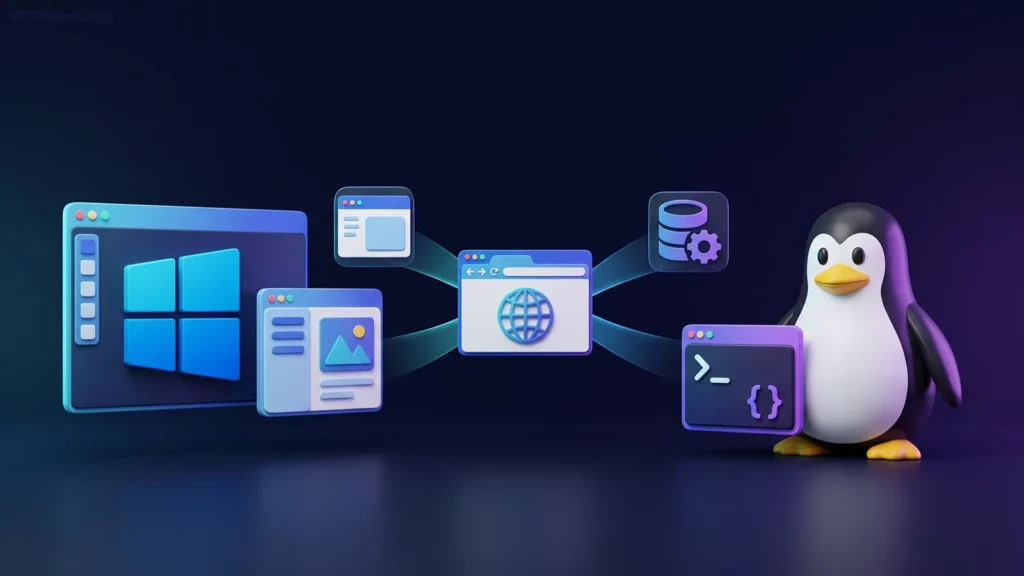
Some applications support both operating systems, while others are limited to one. Before choosing the operating system for hosting an application or a service on a VPS, you should first check the requirements of the services you want to host.
Windows and Linux Resource Usage and Performance
Windows and Linux can both deliver reliable performance on a VPS, but their resource requirements often differ.
Windows Server and other Windows versions generally require more memory and storage for their operating system and graphical interface.
On the other hand, Linux distributions can run with fewer resources, particularly when installed without a graphical interface. This can leave more hardware resources for other applications and services.

However, the main performance depends on the operating system, the applications you plan to run, server configuration, and workloads.
For lower plans, it’s better to use a Linux VPS because of its lower resource consumption.
Server Management and Ease of Use
Windows and Linux offer different approaches to server administration, so the easier option depends on your experience and preferred workflow.
Windows commonly uses Remote Desktop Protocol (RDP), allowing you to work with a remote computer like a normal computer and access all Windows features.
Linux, on the other hand, is commonly managed through Secure Shell (SSH), which provides a command-line interface (CLI) that allows an administrator to control the whole server through the command line.
However, managing each operating system requires some technical knowledge. If you’re familiar with Windows and its graphical user interface (GUI), you may find it easier to use than a Linux server. Managing a Linux VPS typically requires familiarity with command-line tools and commands.
Security and Updates
Both Windows and Linux distributions receive security updates, and they both can be secure when properly configured and managed.
Windows receives security updates through Microsoft’s update mechanisms. Linux distributions provide updates through their package managers and distribution-specific repositories.
In both Windows and Linux, the server administrator should manage the server and make it secure by using complex passwords to log in, using SSH key authentication in Linux, configuring firewall rules, and limiting access and the privileges of the users.
Customization and Flexibility
Linux offers greater customization, allowing you to choose distributions, software packages, and system configurations for your needs.
Windows Server also supports customization but is often more convenient for workloads that depend on Microsoft technologies and Windows-specific tools.
Software Licensing and Costs
Licensing is another difference between Windows and Linux VPS hosting.
Windows Server is proprietary software that requires appropriate licensing to use it. Depending on the hosting provider and plan, the cost of the licence can be different. However, Windows can be used without a licence, but it gives you limited access to some features and options of Linux without a valid licence.
Many Linux distributions, including Ubuntu, Debian, and AlmaLinux, are available without an operating system licence fee. However, some commercial Linux products, enterprise support subscriptions, and additional software may involve separate costs.
Windows and Linux Control Panel Compatibility
Both Windows and Linux VPSs support control panels for hosting websites and applications, managing domains, and configuring server settings. However, Linux offers a wider range of hosting control panels to choose from.
Some control panels, such as Plesk, support both operating systems, while others are OS-specific. For example, cPanel is available only for Linux, whereas certain Windows-focused panels are designed specifically for Windows Server.
Your choice should depend on your operating system, application requirements, and preferred management tools.
When Should You Choose a Windows VPS?
A Windows VPS is a good choice when your applications require Windows or you prefer managing your server through a graphical desktop. It is especially useful for running Windows-specific software, Microsoft-based applications, and remote desktop workloads.
Using a Windows VPS is very common for remote work; some companies use a Remote Windows VPS to provide their freelance employees with an environment to work with, which makes their control easier.
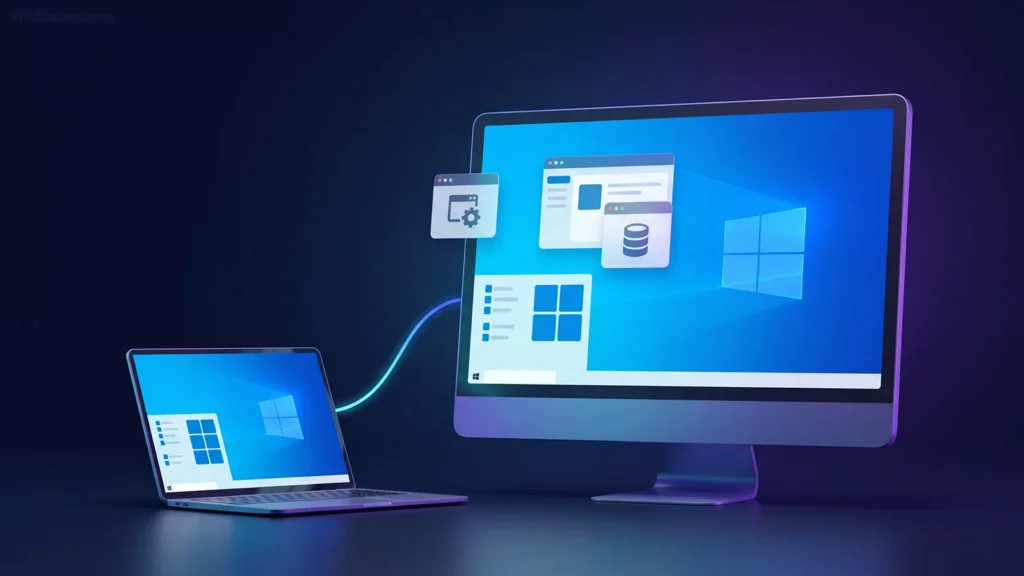
If you want to use a Windows VPS running either Windows Server or a desktop version such as Windows 10 or Windows 11, you can choose our RDP Server service. It provides a Windows VPS environment optimized for remote access and desktop-based workloads.
Choose a Windows VPS if you need to:
- Run Windows-specific applications: Use software that requires Windows or Windows Server.
- Access a remote desktop: Connect through RDP to work in a familiar graphical environment.
- Run Microsoft-based applications: Host compatible .NET applications and other software built for Windows.
- Manage Windows-based workflows: Use Windows administration tools and applications remotely.
If your software depends on Windows features or requires a graphical interface, a Windows VPS may be the more suitable option.
When Should You Choose a Linux VPS?
A Linux VPS is a practical choice for hosting web applications, running open-source software, and building flexible server environments. Its wide software support and ability to run without a graphical desktop make it suitable for many server workloads.
A Linux VPS is a practical choice when you want to host web apps, run open-source software, and build a flexible environment that enables you to run a range of applications and services simultaneously without any problems.

Choose a Linux VPS if you need to:
- Host websites and web applications: Run applications using PHP, Python, Node.js, and common web server software.
- Use open-source tools: Work with a wide range of development frameworks, databases, and server applications.
- Automate server tasks: Use shell scripts, scheduled jobs, and command-line tools to manage workloads.
- Build a customized server environment: Select a Linux distribution and install only the components your applications need.
If you want a flexible server environment for web hosting, development, or automation, a Linux VPS is often a strong choice.
Frequently Asked Questions About Windows and Linux VPS
Can You Change the Operating System on a VPS?
Yes, you can usually change your VPS operating system by reinstalling it through your hosting provider. However, reinstalling typically erases existing data, so back up your files before proceeding.
Can a Windows VPS Run Linux Applications?
Yes, some Linux applications can run on Windows using tools such as Windows Subsystem for Linux (WSL), Docker, or compatible runtimes. However, not every Linux application is supported, so check its requirements first.
Can a Linux VPS Run Windows Applications?
Some Windows applications can run on Linux using compatibility tools such as Wine, but compatibility varies. Applications that require Windows-specific features or services may need a Windows VPS instead.
Is Linux More Lightweight Than Windows?
Generally, yes. Many Linux distributions can run with fewer resources, especially without a graphical desktop. However, actual resource usage depends on the operating system configuration and the applications running on your VPS.
Do You Need Linux or Windows Experience to Manage a VPS?
Not necessarily. Windows VPSs offer a graphical interface through Remote Desktop (RDP), while Linux VPSs are commonly managed through the command line using SSH. Basic technical knowledge helps with both, and Linux administration may require learning some commands.
Which Operating System Is More Secure for a VPS?
Both Windows and Linux can be secure when properly configured and updated. Security depends on factors such as software updates, access controls, firewall rules, and the applications running on the server. Choose the OS that best supports your workload and ensure it is maintained regularly.

The Author Jacob R
i am Jacob a developer and cybersecurity enthusiast with strong skills in web development and a passion for building practical digital solutions,Working on web development for 4 years. Hope my guides be helpful
More from Jacob R